Lootdrop Visuals
Lootdrop Visuals applies a coordinated client-side replacement collection to selected Minecraft blocks and items, giving them a cleaner premium-loot appearance.
1.21.11
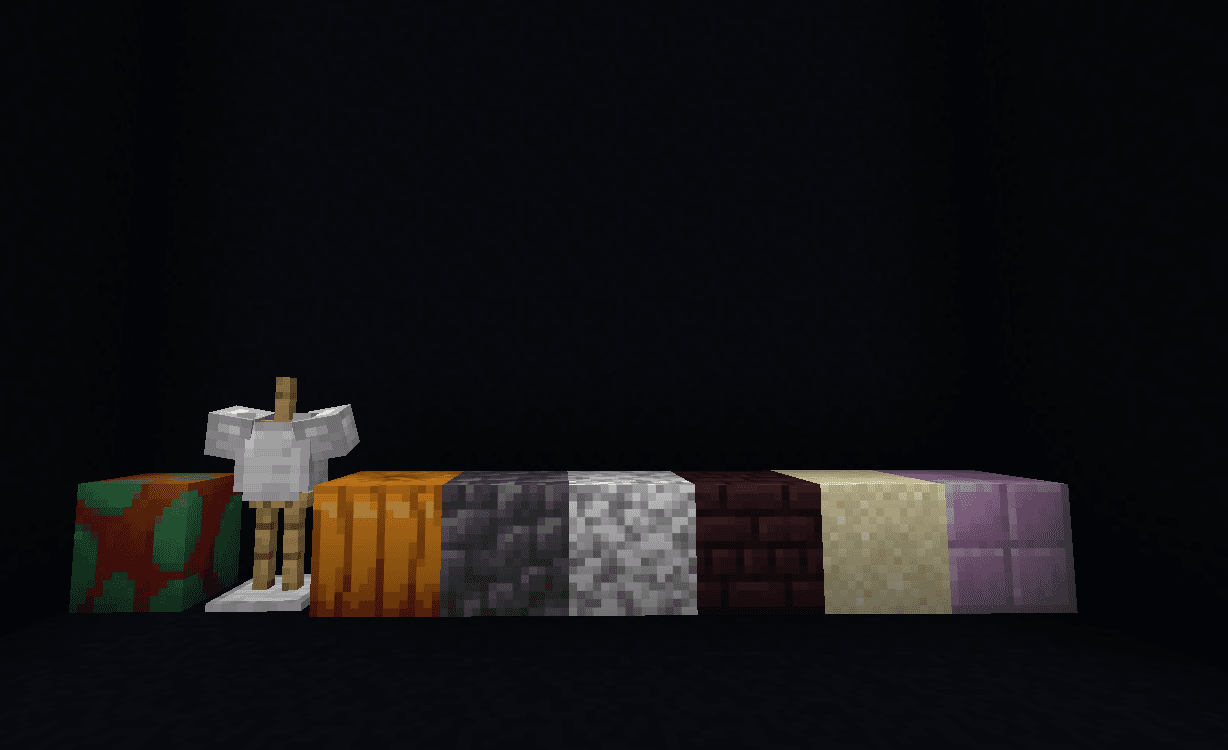 Before — Original block set
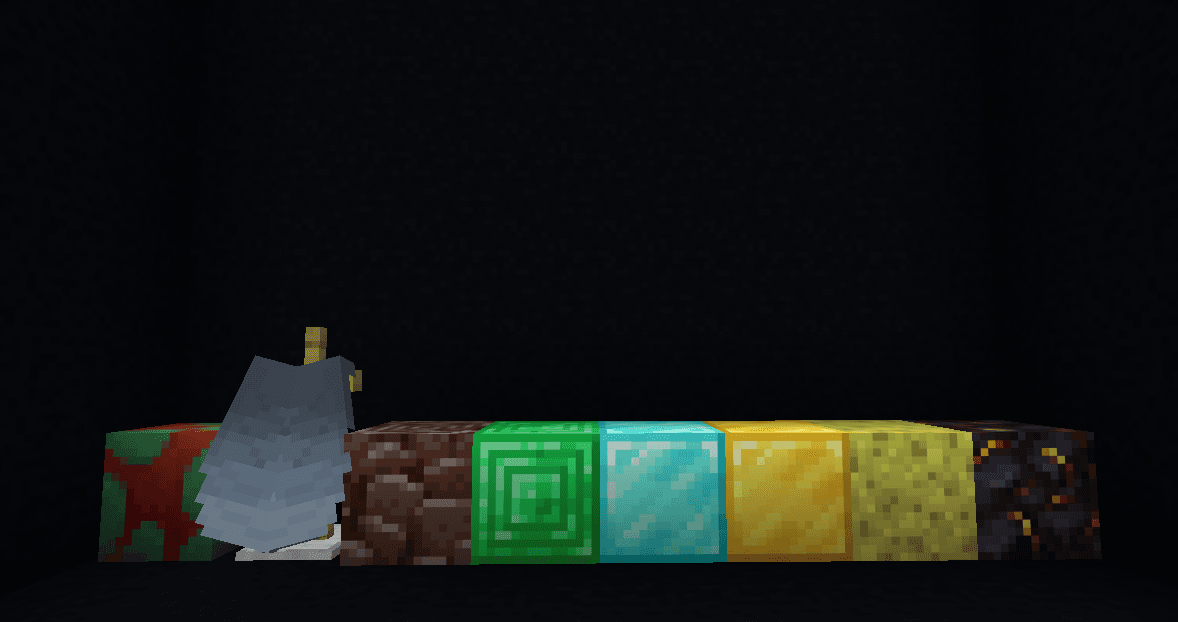 After — Lootdrop replacements
How Lootdrop Visuals works.
The collection can be switched on or off instantly and is designed to work alongside the other Darky Donut mods. It gives supported assets a consistent look without requiring changes to the server resource pack.
Only the local presentation changes. The original blocks, item identifiers, balances and server records remain exactly the same.
A closer look.
Before — Original block set
A lineup of the normal Minecraft blocks and item visuals before Lootdrop Visuals is turned on.
After — Lootdrop replacements
The same visual showcase with Lootdrop Visuals enabled, replacing the supported assets with the brighter premium-loot style set.
/lootdrop on | offWhat it does
- ✓Instant on/off texture switch
- ✓Multiple coordinated replacements
- ✓Compatible with other Darky mods
- ✓One account and one active device
What it does not do
Visual-only. Real blocks, items, balances and statistics remain unchanged.
Server rules and third-party platform rules still apply.
For another payment method or any product issue, open a ticket in the DarkyDev Discord.
Support