
Mine across the galaxy
Planet-inspired mining areas surround a shared arena. Mine settings are supplied through JetsPrisonMines.
Minecraft 1.20.1 · One-time purchase
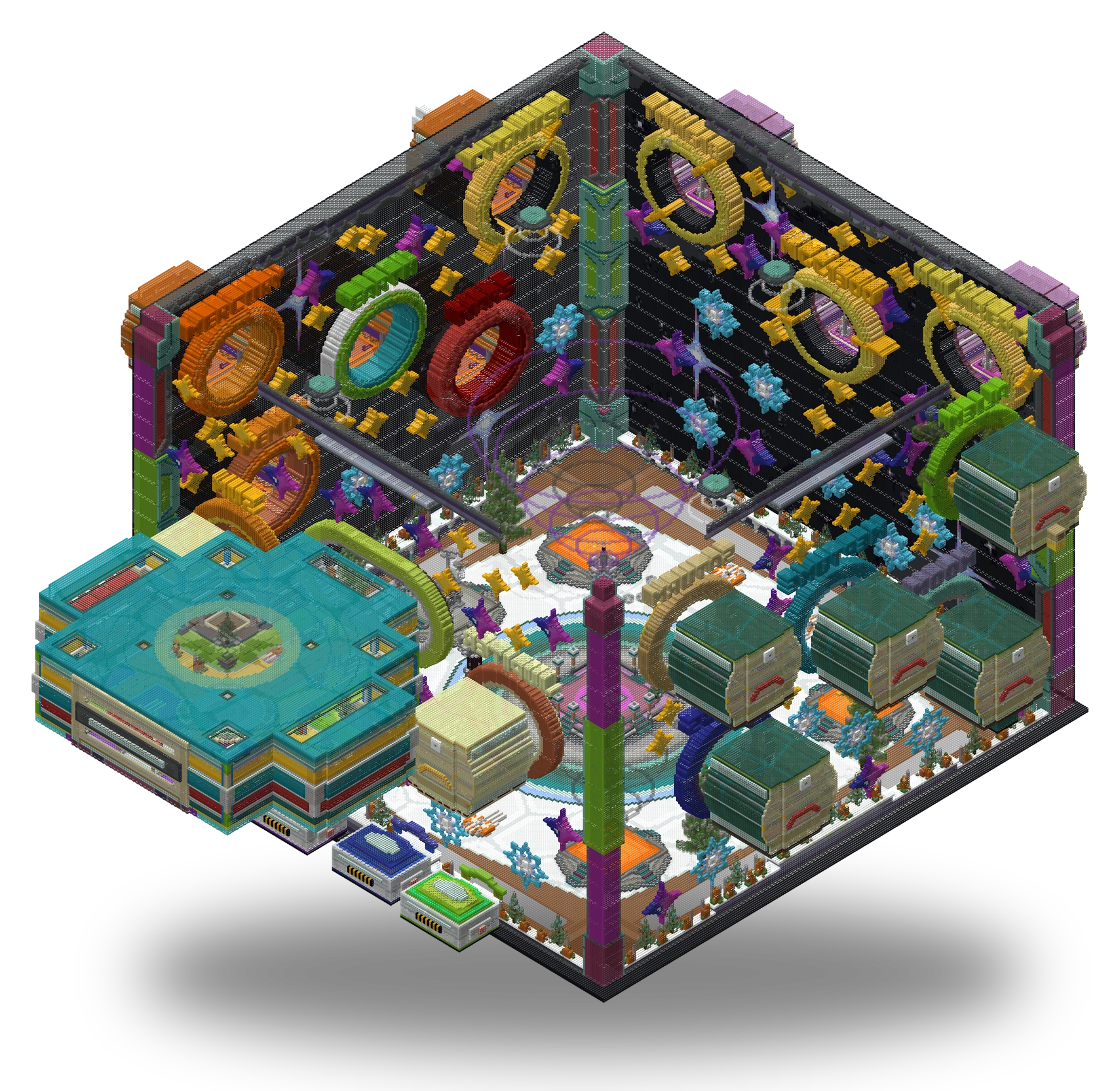
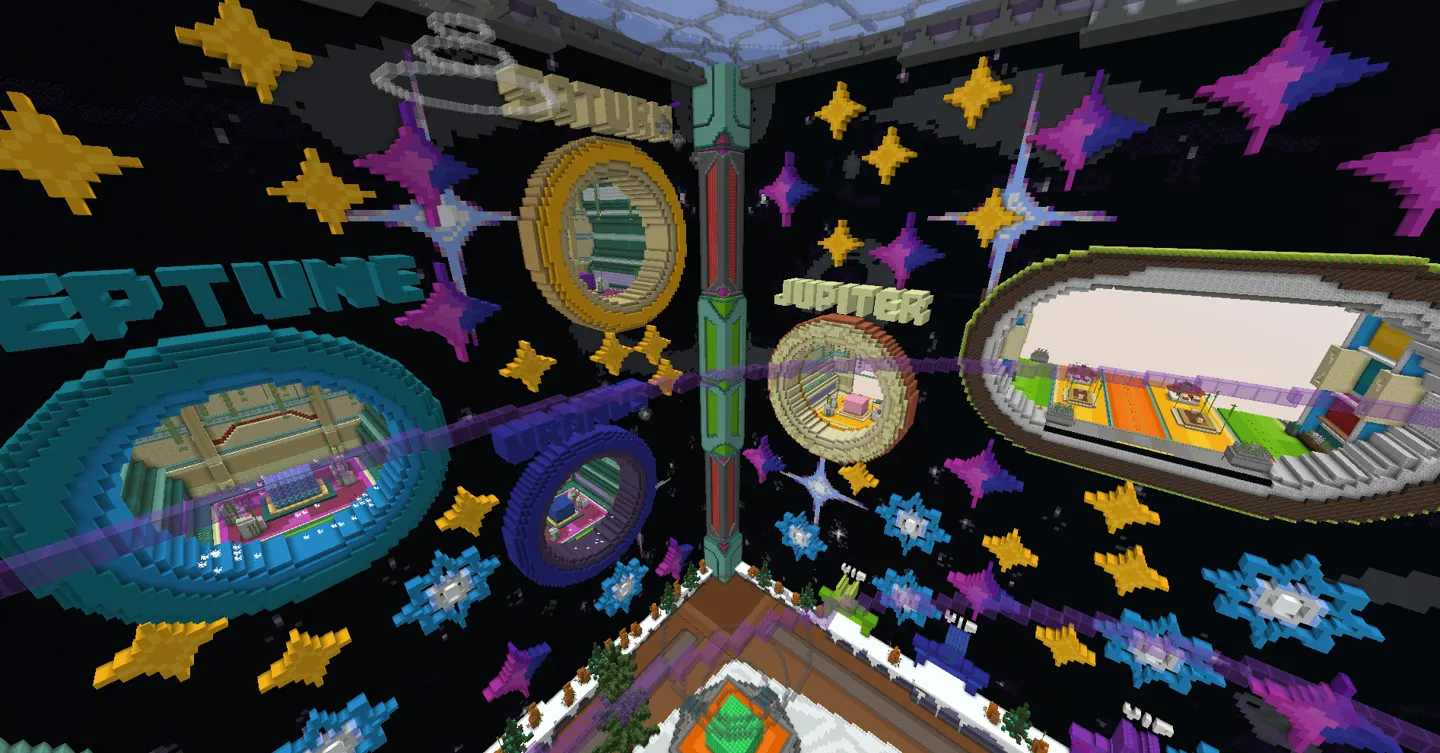
A space-themed BoxPvP setup with planet-themed mines and progression through custom gear.
Planet-inspired mining areas surround a shared arena. Mine settings are supplied through JetsPrisonMines.
The kit menu connects to included Essentials kit definitions, alongside configuration for custom items.
Saved Citizens NPC data and Shopkeepers settings provide the traders placed around the build.
Included quest files define tasks for players to work through between mining and combat.
Crate settings and a separate rewards menu give you places to configure player rewards.
Vault selection and upgrade screens are supplied with the PlayerVaults configuration.
TAB files contain the player list, group formatting and animated text for you to customize.
CombatLogX and WorldGuard files contain the combat and region settings used by the setup.
DeluxeMenus ties together the main menu, kits, mines, asteroids, rewards, drinks and vault screens.
No release notes have been posted for this product yet. Check the product details for its current compatibility information.